development
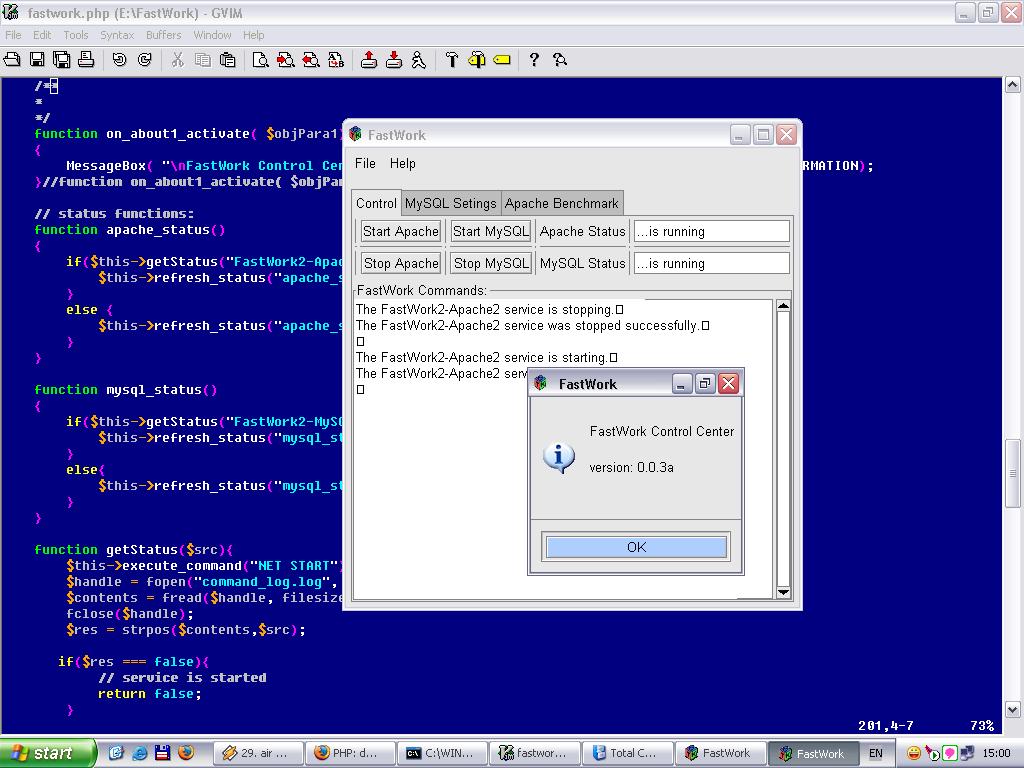
LAST VERSION FOR WIN NT, 2k, XP, 2k3 IS: FASTWORK 2.2.24!
CHANGE LOG AND RELEASE NOTES
29.07.2004 - A BUG in FASTWORK 2.2.24 was discoverd!
In order to corect a small path bug in php.ini you can use this file.
Unzip the file to a temporary location and copy the file php.ini to your WINDOWS folder (usually C:/WINDOWS) overwriting the old one.
QUICK START (deprecated)
Step 1.
Download the latest vresion of FastWork from here.
Step 2.
Run the .exe file.
Step 3.
Follow the instruction.
Step 4.
Start Apache Server:
- Start/Fast Work/Apache2/Control Apache Server/ApacheMonitor
- Click on the systray icon: FastWork2 - Apache2/Start
Open your favorite web browser and type one of the fallowing adress: http://localhost/info.php or http://127.0.0.1/info.php You should see some information about php and server environment.
Step 6.
Start MySQL Server: Start/FastWork/MySQL/Start MySQL
Step 7.
My servers are running or not?
ctrl-shift-esc on Windows NT (NT,2k,XP) you should see on the running services: mysqld-nt-max.exe, apache.exe 2 times and apachemonitor.exe
More details you will find here
Our proudly PARTENER:

Hosted by